
If you are not familiar with it yet. Microsoft is working on a new server version of windows that is aimed at the home user. It is called Windows Home Server.
When I first heard of it I was highly skeptical. I thought that for my needs it would be too simple. On the other side of that coin I thought that it would try to do too much and keep the important parts hidden from me.
My first experience with Beta 2 has changed my mind. I think Microsoft really has something here…and so far it is the perfect balance between simplicity and the needs of the user.
I decided to take one of my machines running XP Professional, and install this right over it.
The first thing I noticed is that when it boots from the installation CD, it has the same boot loader as Vista

Many of you know I am not a big fan of Vista (Yet…wait till SP1 and we will see). So this made my heart sink. I thought it would just be a glorified server version of the same.
I was relieved to see that the initial setup screen looked much like 2003
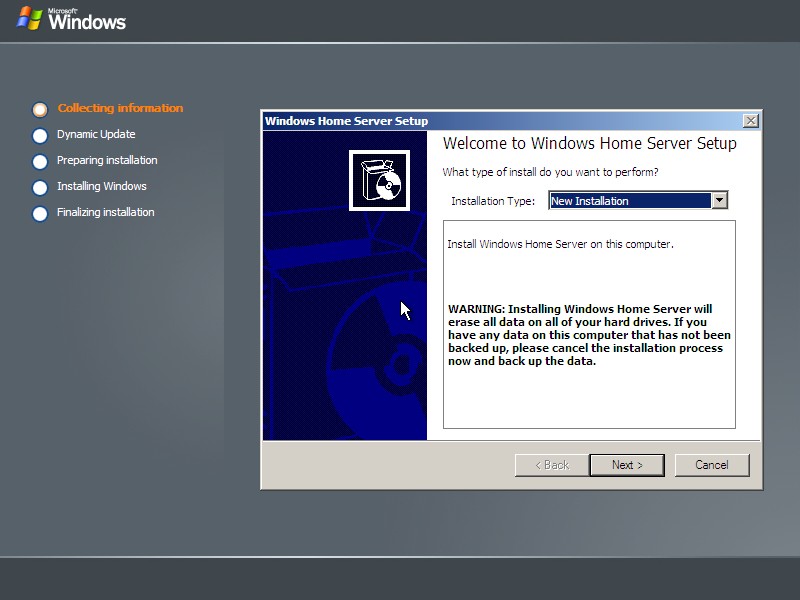
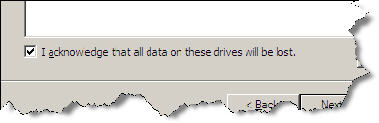
When installing, they make it very clear that you are about to delete the entire hard drive. Also, you will need to make sure you have at least a 35GB hard drive or it will refuse to install
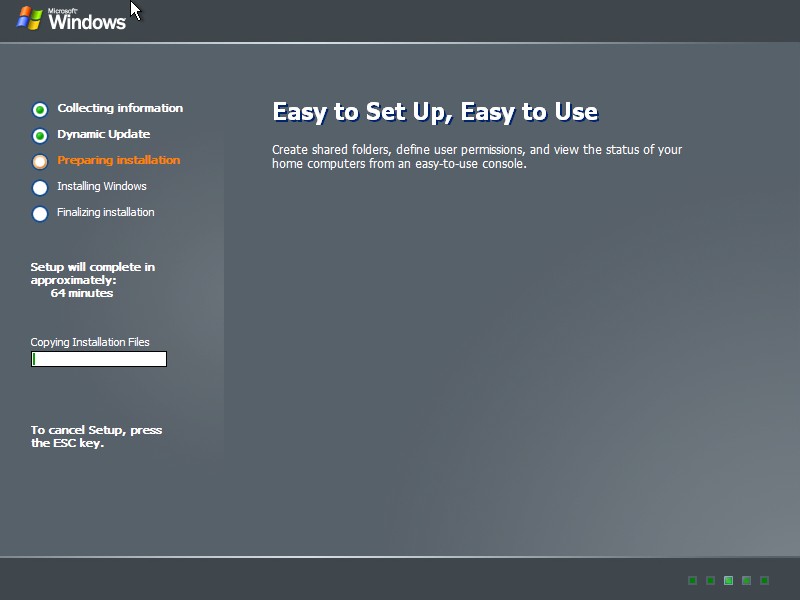
After picking all of my options, it took about an hour to install on this system….about double the time it took to install XP on this same system, and about 1/4th the time it took to install Vista.
One more thing…Subscribe to my newsletter and get 11 free network administrator tools, plus a 30 page user guide so you can get the most out of them. Click Here to get your free tools