
Windows 2003, XP, and 2000 (when joined to a domain) will always save the name of the last user that logged in.
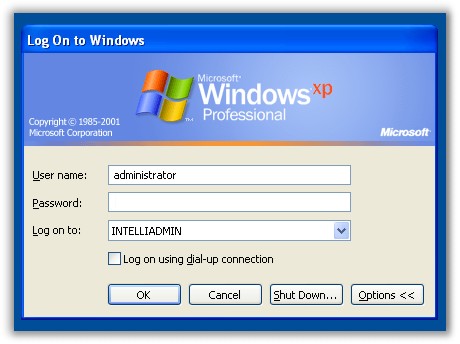
This is a nice feature if you are the only one who logs into the PC – Yes it saves you the trouble of typing your username each time you login.
Yet many times you don’t want someone to know the last username to login.
It could be that you have a public machine with a guest login, or you don’t want your users to know your administrator username after you have worked on their machine.
There is an easy way to change this. Open up regedit, and browse to this key:
HKEY_LOCAL_MACHINE\Software\Microsoft\Windows\CurrentVersion\Policies\System
Create a new DWORD value named DontDisplayLastUsername
Set it to 1
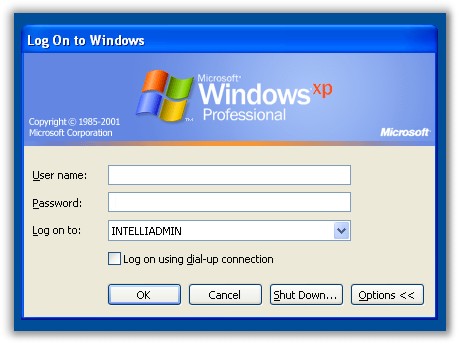
The next time you login the last username will be cleared
One more thing…Subscribe to my newsletter and get 11 free network administrator tools, plus a 30 page user guide so you can get the most out of them. Click Here to get your free tools