
I have been getting tired of the Name+Icon login style of Vista for some time now. I want to force users to press CTRL-ALT-DEL, then type their username and password.
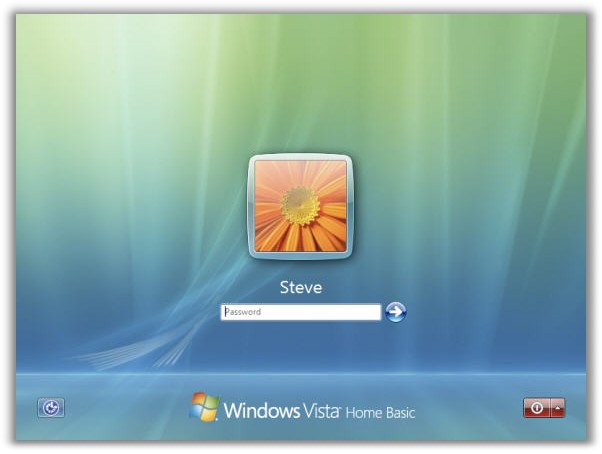
There are a few reasons for this. I have account names that I don’t want others to see. If they know that the username exists, that gives them one more piece of the puzzle.
Secondly, forcing CTRL-ALT-DEL adds another level of security. Why? Because this feature is difficult to implement without having administrative access to the system. This means as long as my machine has not been infected with something then I know that I am typing my username and password into Vista, and not some password capture program.
I searched around to see if there were settings I could change to make this happen. The easiest solution I came up with is accomplished by changing two registry settings.
First lets start out with clearing out username field. I want it to show me a blank username and password screen when logging in.
This registry key does the trick:
HKEY_LOCAL_MACHINE\Software\Microsoft\Windows\CurrentVersion\Policies\System
Find the value named ‘DontDisplayLastUserName’ and set it to 1 (If you don’t see it, then create a new DWORD item with this value)
Now when you logoff you will see the new login screen:
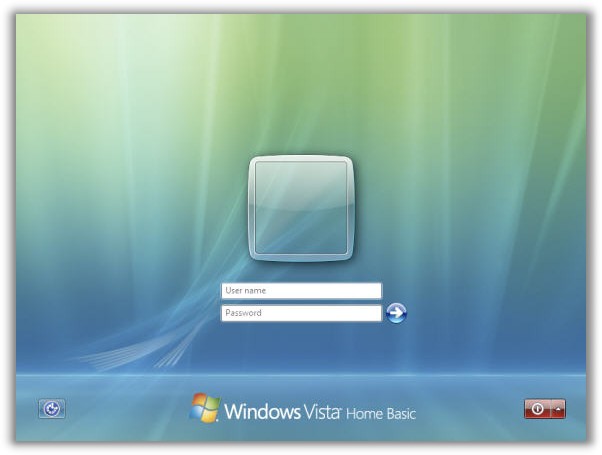
That fixes that. Now lets force CTRL-ALT-DEL. This can be enabled by drilling down to this key:
HKEY_LOCAL_MACHINE\Software\Microsoft\Windows NT\CurrentVersion\Winlogon
Find the value named ‘DisableCAD’ and set it to 0 (If you don’t see it, again…create a new DWORD item with this value)
Now when you get to the login screen you will be forced to hit CTRL-ALT-DEL to login
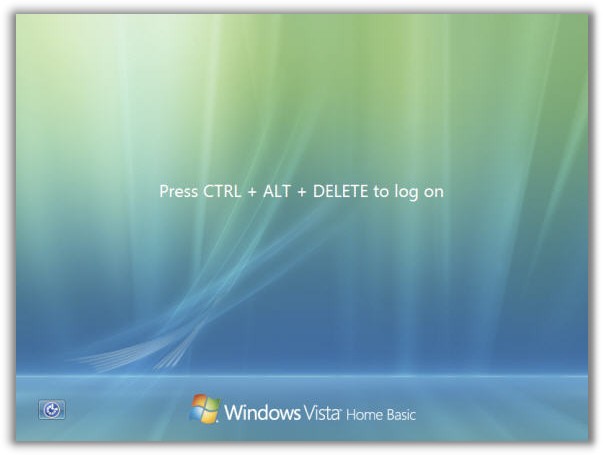
Ahh…Finally the Vista login is the way I like it.
One more thing…Subscribe to my newsletter and get 11 free network administrator tools, plus a 30 page user guide so you can get the most out of them. Click Here to get your free tools
{ 8 comments… read them below or add one }
Thank you soooooooooooooo much for telling me how to enable control alt delete logon. I have wanted to use it for a while.
No problem. Glad it helped you out.
there is a much easier way to enable ctrl+alt+delete logon:
– start -> run -> type in “control userpasswords2”
-advanced tab
-check the box at the bottom ‘require users to press ctrl+alt+delete’
this is much safer than fiddling around in the registry, which can be dangerous if you dont know what you are doing…
You can also go to the START menu, type in netplwiz,, and press enter. Go to the advanced tab and check Require users to press CTRL+ALT+DELETE.
Isn’t this kind of like modding a Yugo? Srsly, nice tip. Still have one Vista machine here, and this works quite nicely.
Is There Anyway To Get The Clear Vista Picture Like The Second Picture? Add A Link?
hmmm I don’t get it, what so useful of pressing ctrl ALt Del ??
is it way more difficult for ourselves ???
It is more secure. This is because no application can grab the CTRL-ALT-DEL sequence. This allows you to be sure that when you type in your password…you are not typing it into a fake application window