
Like I was saying yesterday I now have a Windows 2003 server as a simple router for friends and family at my cabin up north. The trouble is, I don’t really need to have more than one computer up there. There is no reason why I can’t surf and check my email on this server – it is not like I am going to ruin anything if the server dies.
So on that note, I wanted to make my server look and feel like Windows XP – particularly with the XP Theme
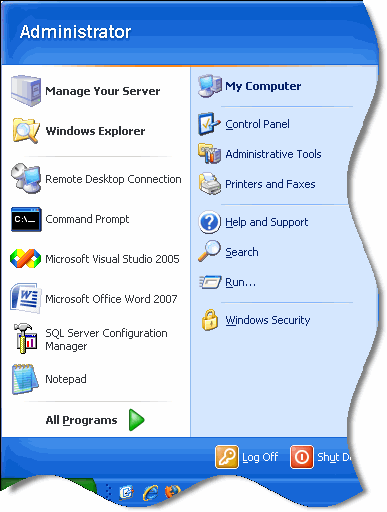
It was easier than I thought. Simply open the service manager (You can do this by clicking on start, then run, and type services.msc…now click OK). Scroll down to the service called “Themes”
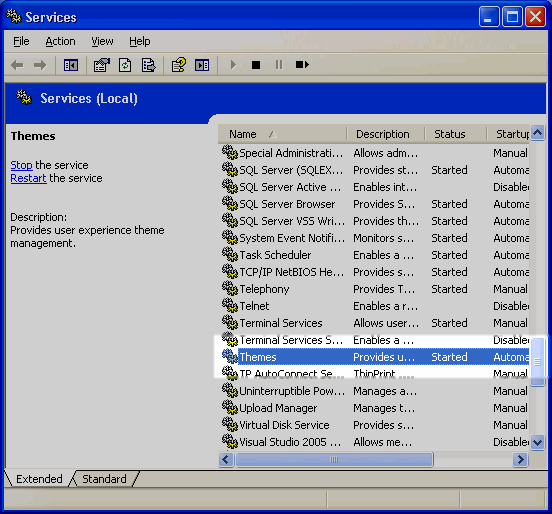
Double click on it. Change the service startup type to “Automatic”, and start the service.
Now you can go into the display settings of the control panel and turn on the standard windows XP theme.
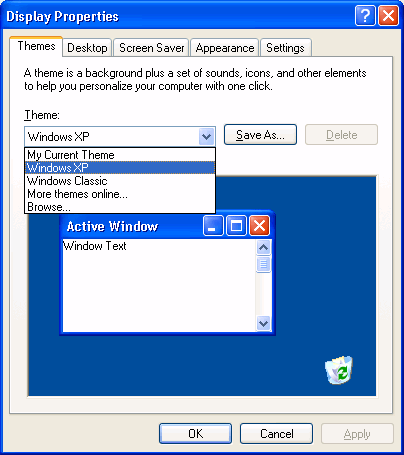
Now my Windows 2003 server looks and feels a lot more like Windows XP.
One more thing…Subscribe to my newsletter and get 11 free network administrator tools, plus a 30 page user guide so you can get the most out of them. Click Here to get your free tools
{ 1 comment… read it below or add one }
Its really nice to see back xp , on my 2003 server os.