
I know many of you have heard the good and bad about Vista, but do not want to risk a machine by installing it. Microsoft feels your pain, and has a new website dedicated to giving Vista a spin without any of the trouble.
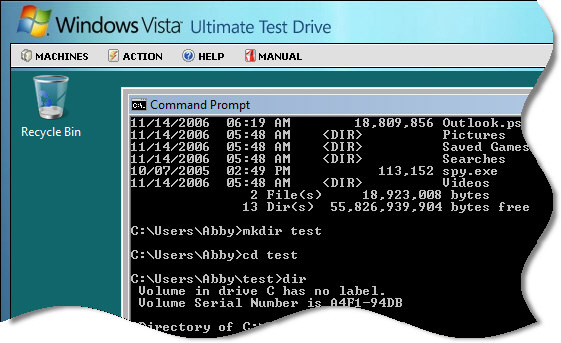
First you have the Windows Vista Ultimate Test Drive. It has almost 20 videos that walk you through these features and functionality of Vista. Click on any of them below.
–Browse with Enhanced Security
–Better Protection From Maleware
–Instantly Search and Find Information
–Document Explorer and Live Icons
–Using the Windows Sidebar and Gadgets
–Improved and Automated Help Options
–Set Up and Connect to Networks with Simplicity
–Internet Explorer 7: Printing Advances
–Easily Manage your data synchronization
–Improve your PC’s power Management
–Collaborate in Small Groups Anywhere, Anytime
–One Place to Fax and Scan your Documents
–Easy To Use, Built-In Email Application
–Manage your time with Confidence
–Organize and Share your Digital Images
In addition, Microsoft is providing a Virtual PC file with a 30 day trial of Vista Ultimate. You can find it here
And, finally the best option is the actual test drive of Vista in a web session that feels a lot like remote desktop.
You can try it out by visiting this site
One more thing…Subscribe to my newsletter and get 11 free network administrator tools, plus a 30 page user guide so you can get the most out of them. Click Here to get your free tools