
I stopped using Vista for my day to day work about 6 months ago. I only fire it up in a virtual machine for testing with our remote control software.
I have realized it is keeping me from experiencing the pain of Vista, and finding solutions for it.
I decided I needed to start using it every day. That way I know exactly what my customers experience when running Vista. To make this mission more appealing I splurged and bought a dream system.
I finally made my choice – The Sony Viao TZ Series.
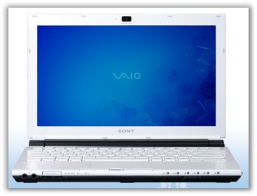
It is the white edition – looks a lot like a very thin Mac book (Surprise surprise). The hardware itself is awesome. The similarity ends there.
Unfortunately I cannot run Mac OSX on this fine piece…and I am stuck with Vista. Yes…that was my original purpose, but after I made the plunge I was swearing at it for at least a few hours.
The first thing I noticed is that I couldn’t telnet into my FreeBSD based Asterisk server. Hmm. It says the command is not recongizied.
Could it really be that Microsoft has removed telnet from Vista?
Yep. Yes they took it out. Perfect. It makes me love Vista even more.
Here is how you get it back:
1. Get to a command line
2. Type: start /w pkgmgr /iu:”TelnetClient”
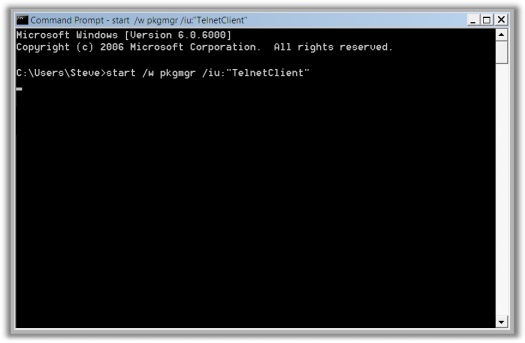
3. Click Continue on the User Access Control Prompt
4. Wait while Vista churns and churns thinking about it
5. Bam. Now you have telnet back
One more thing…Subscribe to my newsletter and get 11 free network administrator tools, plus a 30 page user guide so you can get the most out of them. Click Here to get your free tools