
The system restore tool that is bundled within Windows XP is priceless. Numerous times I have helped myself or others get their system back to a working state by restoring to a previous image. To restore to a previous state just click on Start -> All Programs -> Accessories -> System Tools -> System Restore
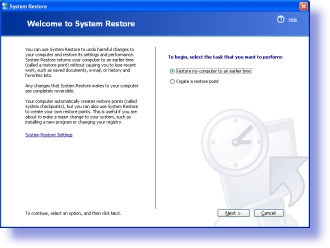
Clicking on next you will see a calendar. The days that are available will be in bold:
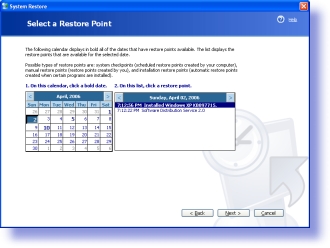
This is the problem. Many times the day you really need is never there.
We have a short and sweet script that you can put into the system scheduler, or in the users login script that will force the creation of a system restore point without anything displayed to the user:
One more thing…Subscribe to my newsletter and get 11 free network administrator tools, plus a 30 page user guide so you can get the most out of them. Click Here to get your free tools