
Just want to remind everyone that IE 7 will be automatically installed on November 1st. Since most of you are running Automatic updates it would be prudent to block the install until you have fully tested it against all of the websites and software your company uses.
Microsoft provides a command line blocking tool that can be downloaded from here
Or you can download and install our free IE blocking tools:
For your local computer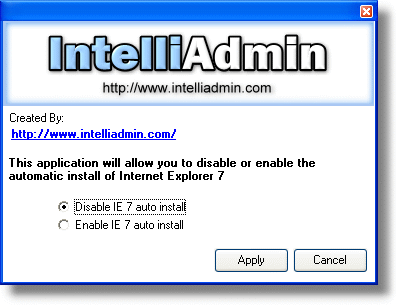
Or download our tool that can update remote computers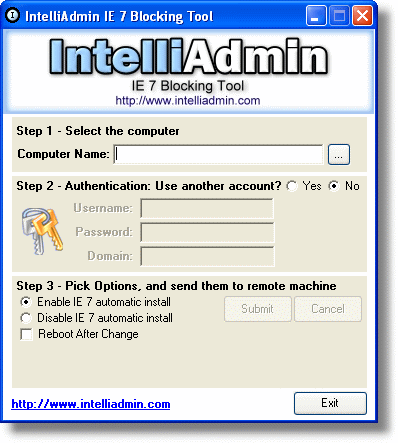
Alternatively you can simply create a registry key that will block the install. It is located under this key:
HKEY_LOCAL_MACHINE\SOFTWARE\Microsoft\Internet Explorer\Setup\7.0
The key name is: DoNotAllowIE70
Setting this to 1 blocks the install, setting to 0 allows the install.
Only Windows 2003, and XP users need to worry about this automatic install – since IE 7 is not compatible with 98, ME, or 2000
One more thing…Subscribe to my newsletter and get 11 free network administrator tools, plus a 30 page user guide so you can get the most out of them. Click Here to get your free tools