
.
Here is a cool feature I just discovered in Vista. The remote desktop client can support multiple monitors.
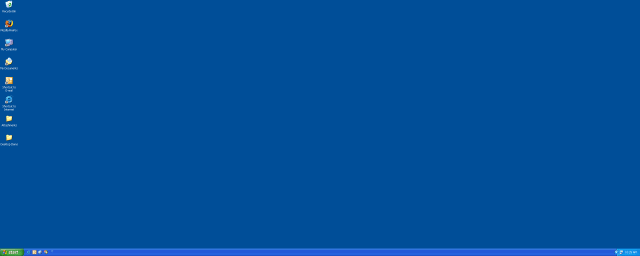
You can access these features using the command line in a few ways:
If you know the dimensions that you want, you can specify the height and width:
mstsc /w:2048 /h:768 /v:(servername)
or if you want mstsc.exe to figure-out the dimensions:
mstsc /span /v:(servername)
One more thing…Subscribe to my newsletter and get 11 free network administrator tools, plus a 30 page user guide so you can get the most out of them. Click Here to get your free tools