
Many times when using windows, your recent documents list gets loaded up with documents you don’t want people to see:
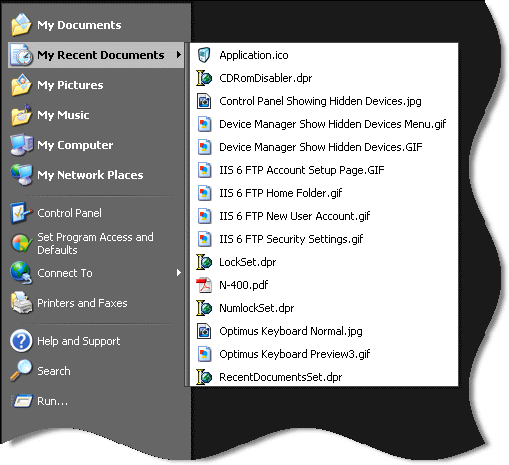
You can tell windows to clear it every time you logoff. You will need to fire up regedit and browse to this key
HKEY_LOCAL_MACHINE\Software\Microsoft\Windows\CurrentVersion\Policies\Explorer
Add a dword value named ClearRecentDocsOnExit and set it to 1
Now every time you exit windows, your recent documents list will be cleared.
If you don’t want to mess with the registry, we have created a program that will do it for you:
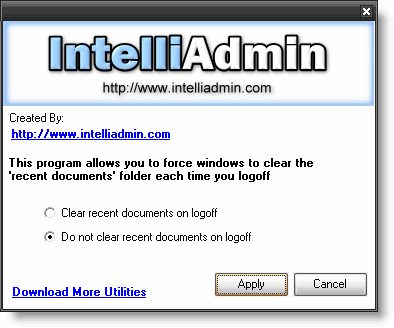
Download it from here – No spyware, or adware. Only freeware goodness.
One more thing…Subscribe to my newsletter and get 11 free network administrator tools, plus a 30 page user guide so you can get the most out of them. Click Here to get your free tools