
Sometimes when I am locking down a kiosk machine I need to disable access to any windows Hotkey. This keeps savvy users from getting around by primitive lockdown procedures. A Hotkey is any keyboard shortcut that uses the Windows key. For example you can lock your workstation by pressing Windows Key + L.
To disable it you need to open your trusty regedit and create a new value under this key:
HKEY_LOCAL_MACHINE\Software\Microsoft\Windows\CurrentVersion\Policies
The value is: NoWinKeys (DWORD Value)
Set to 1 = Hotkeys disabled. Set to 0 = Hotkeys enabled
If you don’t like playing around in the registry, you can use our free utility to do it for you:
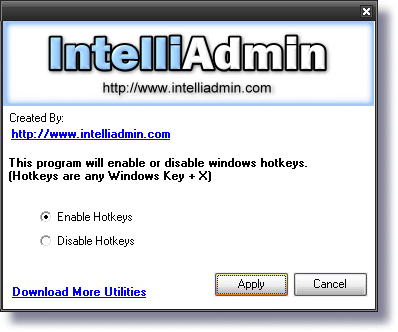
Download it here – No spyware , adware…only freeware goodness!
One more thing…Subscribe to my newsletter and get 11 free network administrator tools, plus a 30 page user guide so you can get the most out of them. Click Here to get your free tools
{ 1 comment… read it below or add one }
Nice to download this program