
Sometimes it can be hard to pick a secure password. Dictionary words, and pet names usually come to mind, but are not secure. A good password will have numbers, letters, and special characters. Windows XP has a hidden feature that will generate a password, and set it at the same time.
Get to a command prompt by clicking on start, then run ,and type the word ‘CMD’. Click OK
Now on the command line you can type:
net user [username] /random
This is where [username] is the name of the user you would like to reset to a random password. After clicking enter, Windows XP will come back and print out the random password that it has picked:
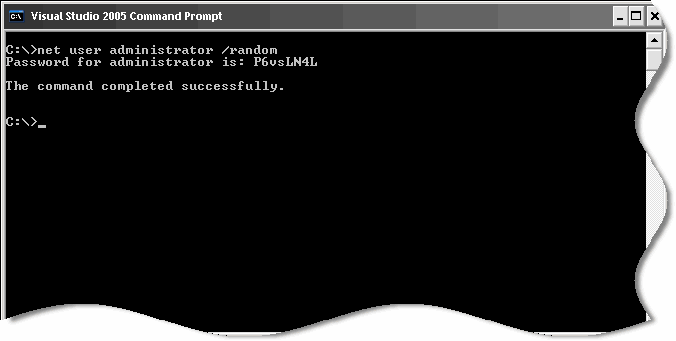
Make sure you write it down. Windows XP has now set the account password to this random value. One more time – write it down! Or you might lock yourself out.
One final note – this only works on local accounts, the command does not seem to recognize domain accounts.
One more thing…Subscribe to my newsletter and get 11 free network administrator tools, plus a 30 page user guide so you can get the most out of them. Click Here to get your free tools