
Sometimes when I have a kiosk, or demo machine I want the windows session to be generic as possible. This includes the name that is sprawled across the top of the start menu.
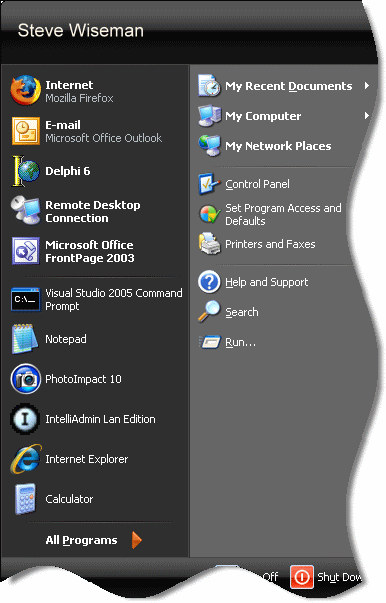
Especially when I am making a video of a demo I don’t want my name all over it. Unfortunately Microsoft did not make an easy way to shut this feature off.
If you want to remove the name from the start menu you can dive into the policy registry key:
HKEY_LOCAL_MACHINE\Software\Microsoft\Windows\CurrentVersion\Policies\Explorer
And add the following dword value: NoUserNameInStartMenu and set it to 1
After you make the change and reboot, your name will be gone from the start menu
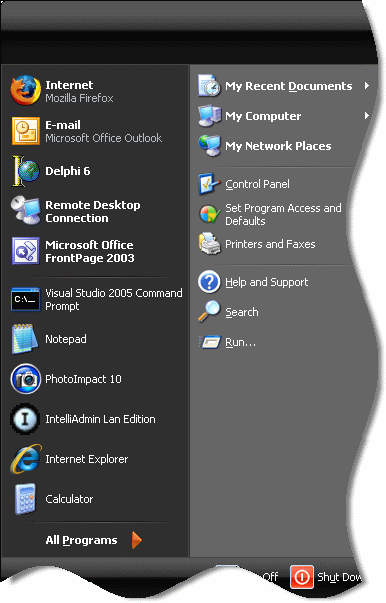
As usual we created a utility to set it for you if you don’t like messing around in the registry:
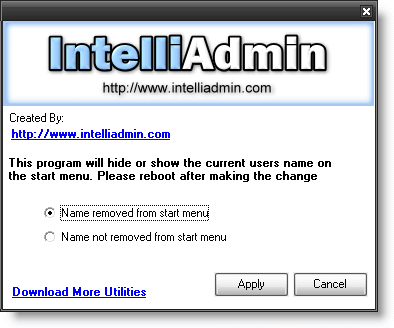
Find it on our download page – As always no spyware, or adware … only freeware goodness
One more thing…Subscribe to my newsletter and get 11 free network administrator tools, plus a 30 page user guide so you can get the most out of them. Click Here to get your free tools