
VMWare has announced the release of Beta 2 for Mac. Code named Fusion.
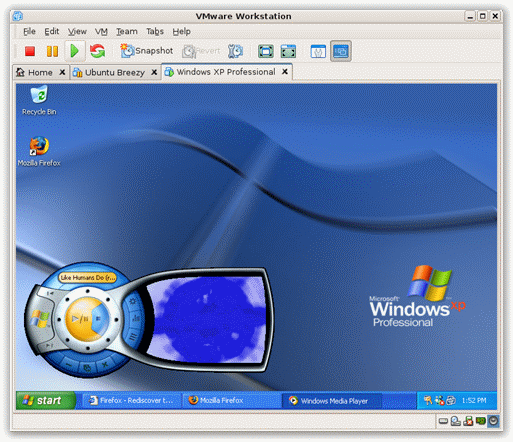
It can utilize multiple CPU cores, and even allow you to host 64 bit windows based operating systems on your Mac. It has been designed from the ground up using Cocoa, so the interface works well with other Mac applications.
A few features from their press release today:
* Experimental 3D graphics: The rumors are true! You can now play select DirectX 8.1 games in a Windows XP virtual machine.
* Rollback: Take a snapshot of your virtual machine configured just the way you like it, with the ability to quickly rollback to that ideal state with the click of a button should the need arise.
* Run Microsoft Vista on your Mac: Want to run Vista on your Mac? Run Vista Business, Enterprise, or Ultimate 32-bit or 64-bit editions side-by-side with Mac OS X.
* Improved networking support: Full support for AirPort networking with seamless switching between wired and AirPort/Wi-Fi connections.
* Improved ability to add virtual hardware: Add additional virtual hard drives for more storage capacity, add up to ten virtual network interfaces to support private and public networks, and keep an eye on your laptop’s battery level from inside your virtual machines.
Also promised is improved performance. I will be loading this on my MacBook shortly…so if I see anything cool, or any show stoppers I will let you know.
You can join their beta program here:
One more thing…Subscribe to my newsletter and get 11 free network administrator tools, plus a 30 page user guide so you can get the most out of them. Click Here to get your free tools