
From time to time I will come across a machine that has a pirated office serial number. Microsoft checks your serial number before allowing you to download updates for Windows, and Office.
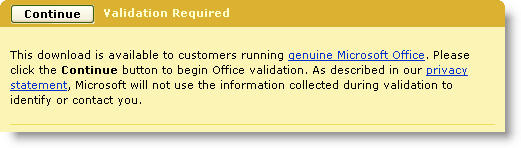
The problem is that there is no way within office to just update your serial number (With a legitimate one) without uninstalling, and reinstalling the software.
Since I started getting tired of looking at progress bars I researched to see if there was a way to update it without the reinstall…and it turns out it is actually not too hard.
You simply need to drill down to this registry key (As always backup your registry before messing with it):
HKEY_LOCAL_MACHINE\SOFTWARE\Microsoft\Office\11.0
\Registration\{90110407-6000-11D3-8CFE-0150048383C9}
See the two values: ProductID, and DigitalProductID? Delete them.
Now run launch any office application, and you will be prompted for the new serial number.
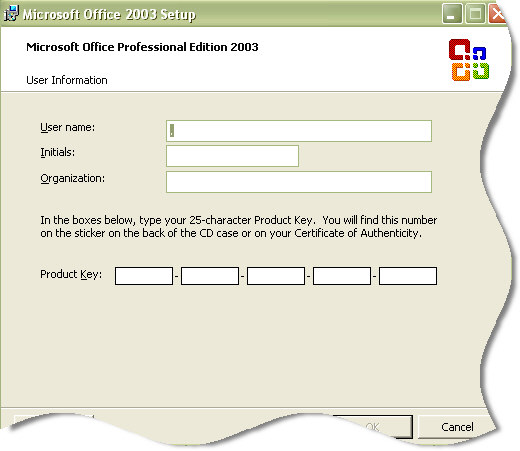
Now you can update the serial without waiting through a re-install.
One more thing…Subscribe to my newsletter and get 11 free network administrator tools, plus a 30 page user guide so you can get the most out of them. Click Here to get your free tools
{ 4 comments… read them below or add one }
thanks – i knew it was in there and generically ‘how’ but not the specific location or names – worked like a charm
thank you for helping me i was really worried that i may cant install it !
Very useful hint – thanks alot!
Pretty helpful when doing an unattended installation of non-enterprise versions of Office 2003. Just install the program using any valid key and let the Custom Installation Wizard delete the both regitry entries right after the installation. The first started Office application will then ask you for a valid key.
However it should be mentioned, that the GUID in the example above ({90110407-6000-11D3-8CFE-0150048383C9}) may be different depending on the Office version you use! E.g. the one above is for Office Professional Enterprise Edition 2003, if you use a different version the key will be slightly different.
See KB832672 on support.microsoft.com
Cheers — Markus
Also in 64-bit Windows 7 the regitry key begins with
SOFTWARE\Wow6432Node\Microsoft\Office\11.0\Registration\