
.
Actually I lied. Actually a double-click. But that doesn’t sound like a good title…so there :=-
It is really simple, and this will work under Windows XP, and 2003 – not sure if it will work under Vista, but I would imagine the UAC prompt would ruin the whole experience.
Open notepad and put in the following text:
shutdown.exe -s -t 00
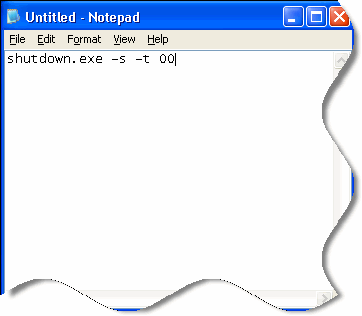
Save it on the desktop as “Shutdown.bat”
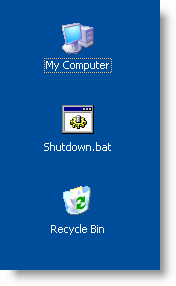
Now if you double click on the icon “Shutdown” your system will shutdown immediately with no questions asked.
One more thing…Subscribe to my newsletter and get 11 free network administrator tools, plus a 30 page user guide so you can get the most out of them. Click Here to get your free tools