
I started getting that message when I moved our internal SharePoint server from a physical machine to our VMWare server.
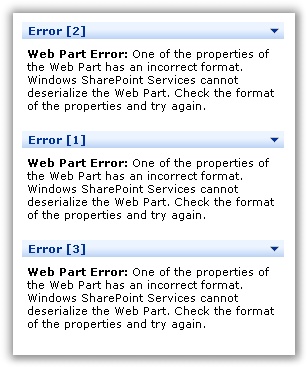
We have made lots of customizations to Sharepoint – so when ever we touch the thing it creates headaches. We were getting this message for *all* web parts, so I knew it couldn’t be a specific issue with just one of them.
After searching around for a while I found a very easy fix:
http://support.microsoft.com/kb/826786
Essentially you need to give the local group named STS_WPG permission to write the the C:\Windows\Temp folder.
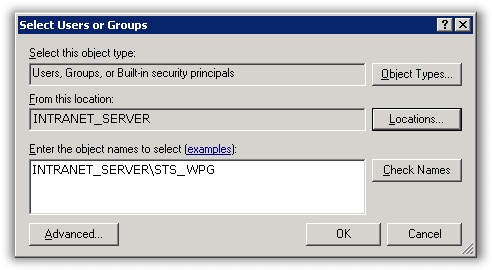
After I did that, I refreshed the Sharepoint website and it was working fine again.
How did it lose this permission? Well after we moved the Sharepoint server we had to run windows repair (VMWare had a different set of hardware). This resets the permission on this temp folder.
One more thing…Subscribe to my newsletter and get 11 free network administrator tools, plus a 30 page user guide so you can get the most out of them. Click Here to get your free tools