
There have been many times while working on a problem that I have found files that look suspicious, or are not part of the standard windows install. Microsoft has provided an excellent resource for researching executable files within windows.
It is called the DLL Help Database Search
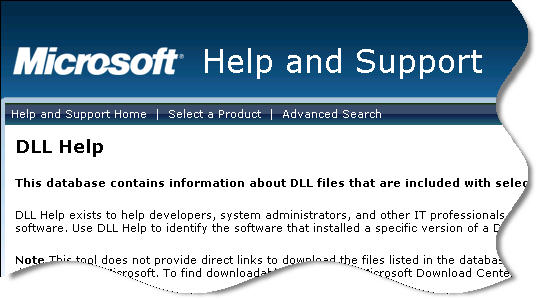
So for example…you are working on your server, trying to diagnose a problem…and you see a process running called MAD.EXE
On the surface this really looks like a nefarious program. What legitimate application could be called MAD.exe?
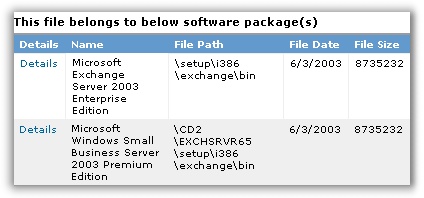
If we do a search on the DLL help database we find that it is part of Microsoft Exchange:

Even better, you can see the version history of the file, what product it belongs to, and even the path of the file on the original install disk by clicking on the “More Info” link:
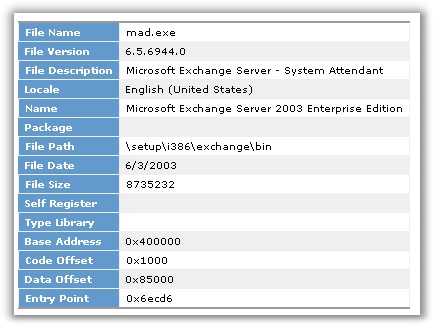
If that was not enough information for you, each file has a link to more details. Click on it, and there is even more:
This is an invaluable tool for IT Administrators, I suggest adding it to your list of bookmarks:
http://support.microsoft.com/dllhelp/
One more thing…Subscribe to my newsletter and get 11 free network administrator tools, plus a 30 page user guide so you can get the most out of them. Click Here to get your free tools