
If you have not heard about it already, many people are having big problems with Windows XP SP3.
I just want to remind everyone that we have had a tool out since January that will delay the automatic install of SP3 for 12 months.
You have 4 options for preventing the automatic install of SP3:
1. Download our Network Administrator to deploy the change across your network.
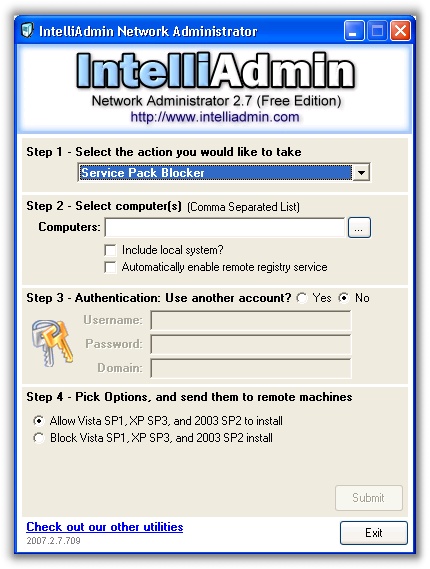
or
2. Download and use the free GUI tool we have to make the change on a single system
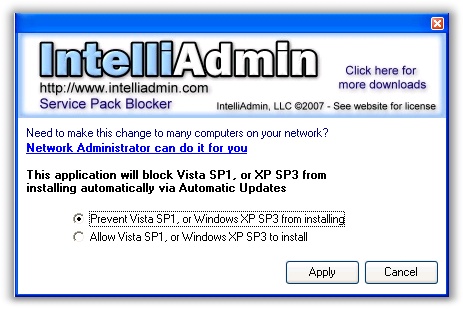
or
3. Download and use the free command line tools from MS
or
4. Update the registry manually. To do this you simply need to go to this key:
HKLM\Software\Policies\Microsoft\Windows\WindowsUpdate
Create a new DWORD value named DoNotAllowSP and set it to 1 (To disable the SP install), or 0 (To allow the SP install)
One final reminder – all of these blocking options are only valid for 12 months following the release of the service pack. After that, Windows will ignore the registry change and install.
One more thing…Subscribe to my newsletter and get 11 free network administrator tools, plus a 30 page user guide so you can get the most out of them. Click Here to get your free tools