
The noise about Windows 7 is growing. If you haven’t heard, Windows 7 is the next version of Windows. Microsoft has said that it will be released fourth quarter 2009.
If Windows Vista is the Windows ME of the new millennium, then Windows 7 should be the Windows XP. If you have ever used Windows ME you will know what I mean. I have done some research to find out what the 5 biggest features will be
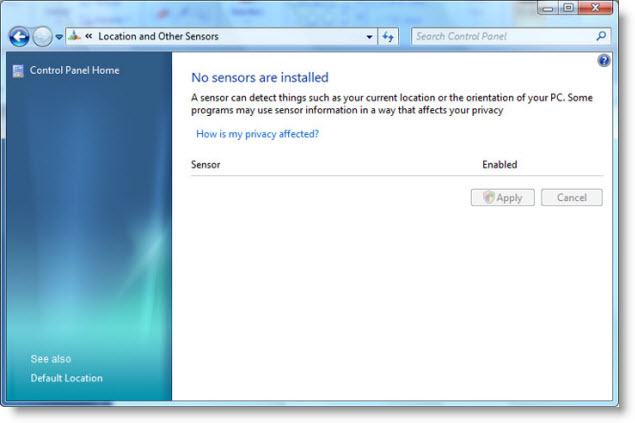
1. Sensors – Windows 7 will have context-aware support through a new sensors API. For example, a location sensor can tell where your computer is, and applications that know about this can take advantage of this. My tin-foil hat is starting to spin on this one. Still sounds like a cool feature
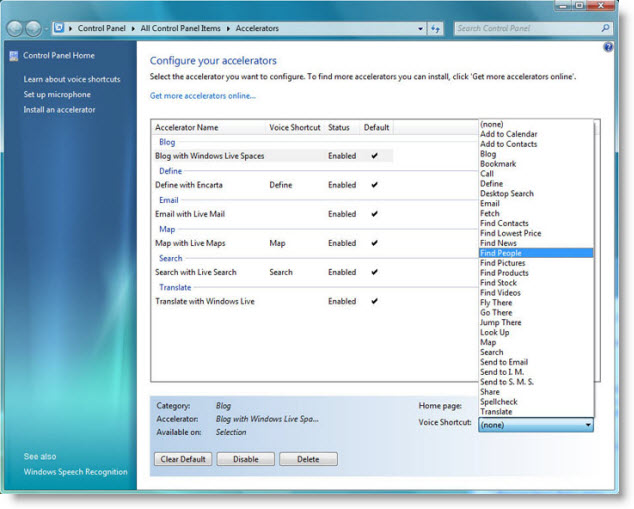
2. Accelerators – These should really be called specialized shortcuts. Here is aan example of how accelerators work. Anywhere within Windows you can select text, or speak commands through a microphone, and windows will take action. A few that are built into IE 8 already would include: ‘Define with Encarta’, ‘Email with Live Mail’, and ‘Search with Live Search’.
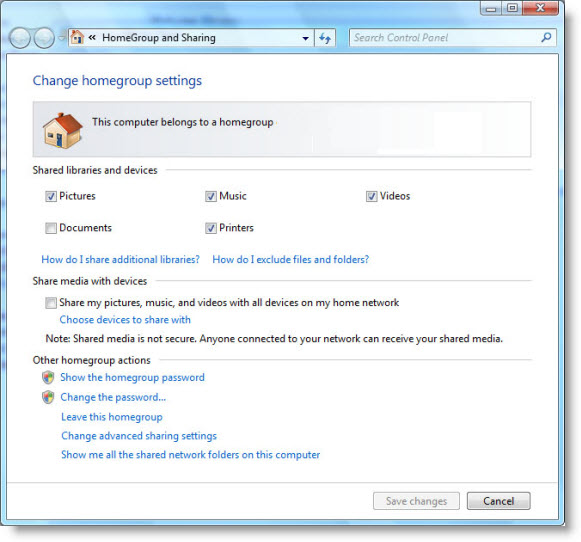
3. HomeGroup Networking – This part of windows will do many of the same things that Network Magic does right now. Essentially it simplifies the process of setting up your home network.
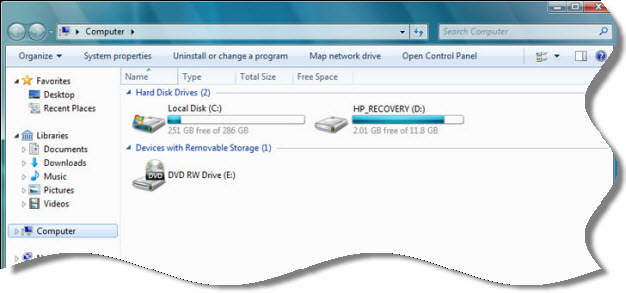
4. Improved Explorer Windows Explorer will be updated with many new features. A resizeable search box, a simpler toolbar, and a new view style called content. The content view style is a preview mode for images and other things like PDF files, and word documents.
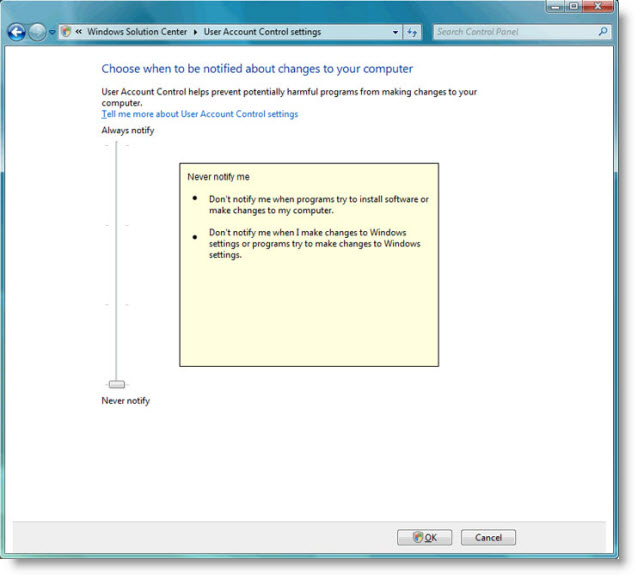
5. UAC Improvements – The favorite feature of Vista (Just kidding). Microsoft has totally reworked this to make it more customizable. Four different levels of UAC notification will be available:
1. Never Notify- The user is never notified when a program tries to install software, or make changes to the computer.
2. Only notify me when programs make changes – The user is not notified when software is installed, only when programs try to make changes to the computer and windows settings.
3. Always notify – The user is prompted when a programs try to install software or make changes to the computer.
4. Always notify me and wait for response – The user is notified when a program tries to install software, or make changes to the computer, and Windows will wait for the response.
All of these are a welcome change. I can’t wait to get my hands on the first public beta.
One more thing…Subscribe to my newsletter and get 11 free network administrator tools, plus a 30 page user guide so you can get the most out of them. Click Here to get your free tools