
Click Here to go back to Part 1
The web interface is the most interesting part of Home Server. I was expecting the worst (Think SharePoint). And again, I was pleasantly surprised.
You can access almost everything from the web interface. Files, Pictures, Music, Printers, and even connect through your Windows Home Server to remote control other machines on your local network
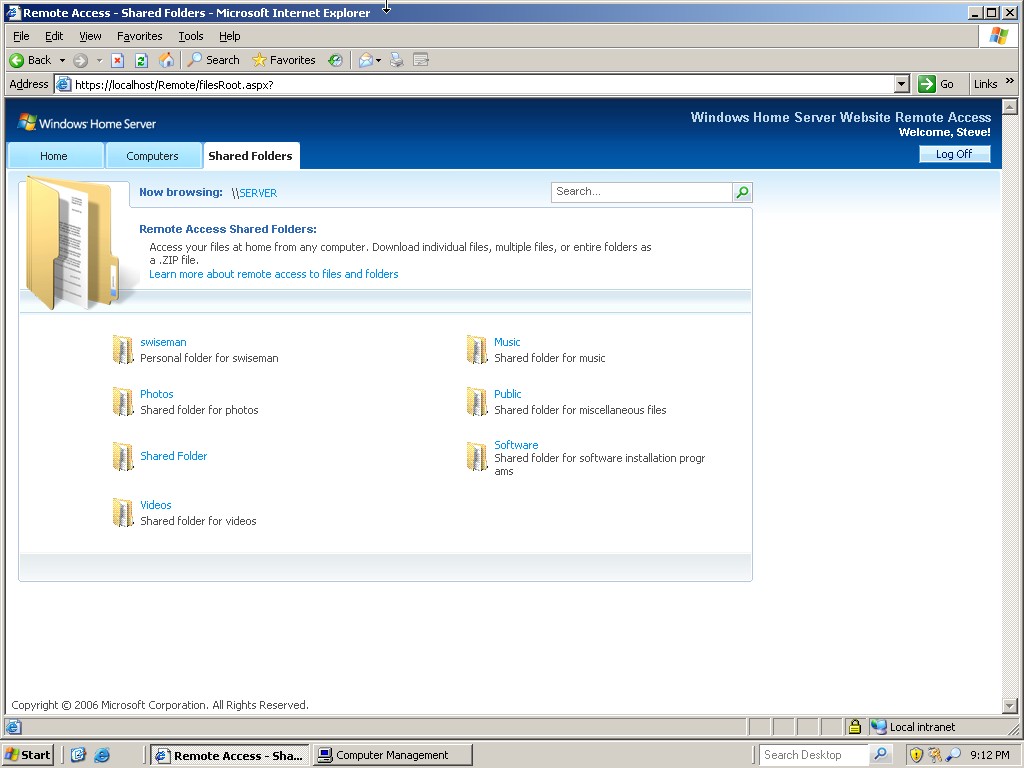
In the shared files section, you can actually pick a group of files and folders and it will allow you to download it as a zip file
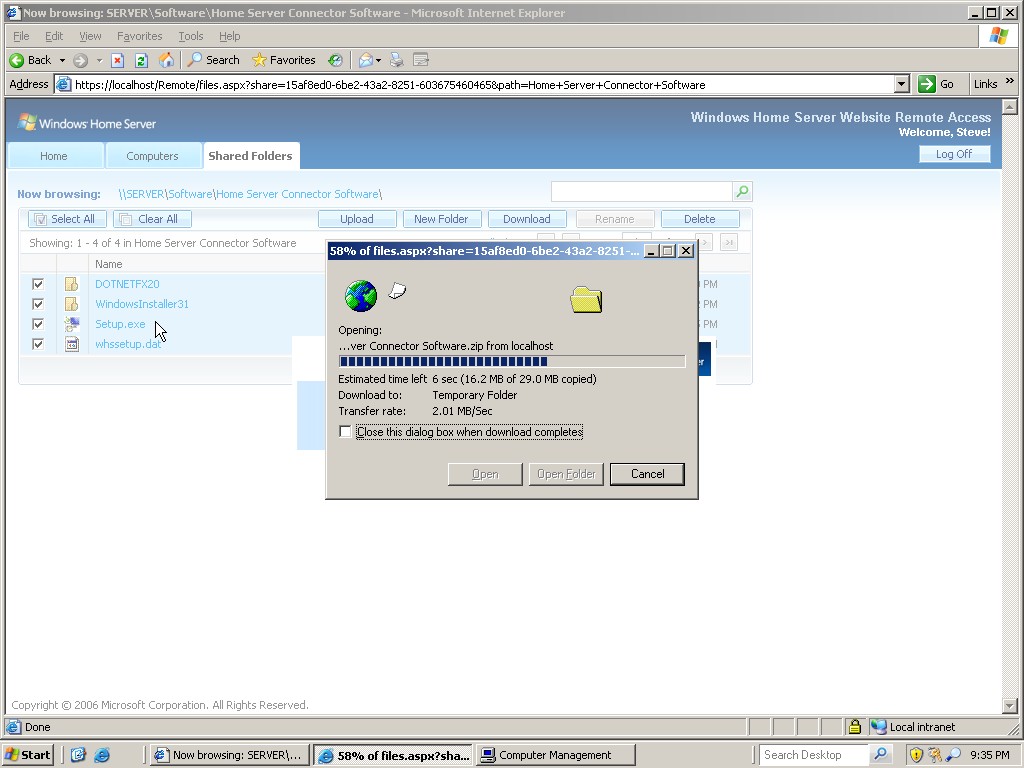
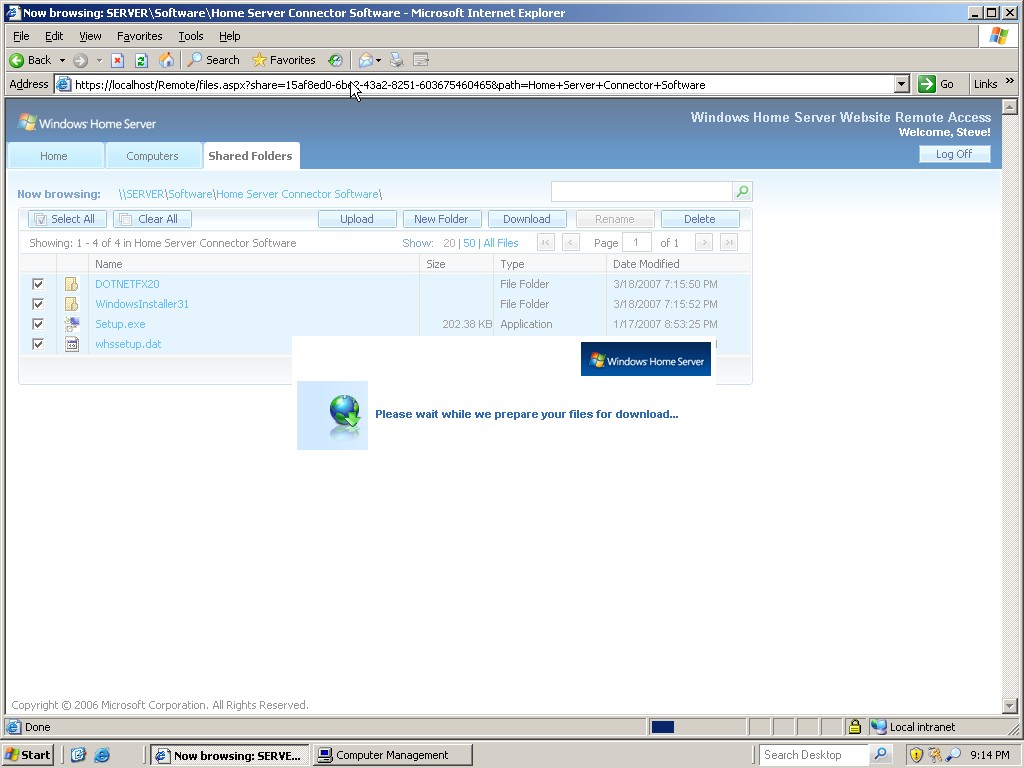
Still, this needs some work. Some type of progress needs to be shown (That is better than shown below) when you select a large number of files for downloads it can sit there thinking for quite some time.
I was never able to get the remote control to allow me to control other machines on my LAN. I think this may because it is still in Beta, and the feature is still in the works.
I like what I see so far, but still it needs some work. It will be interesting to see the next Beta.
I need to do some more research too…not sure if this server can act as a domain controller, or if it simply finds the list of computers from the computer browser.
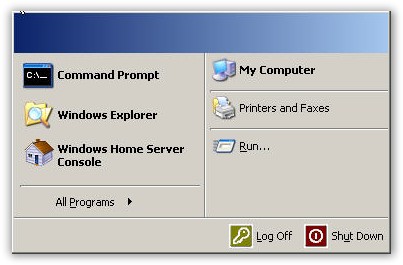
I will leave you with one last screen shot of the start menu. It shows you how much of unneeded software and services that have been trimmed out of this version of Windows.
One more thing…Subscribe to my newsletter and get 11 free network administrator tools, plus a 30 page user guide so you can get the most out of them. Click Here to get your free tools