
I had lunch last week with my good friend Brett. We were talking about synchronizing, and backing up files. I went on a long rant about how much I liked robocopy.
After I finished talking about robocopy, he told me about SyncToy from Microsoft. SyncToy? I had never heard of it.
The one drawback with robocopy is that it is command line only. Sometimes it is nice to just point and click. I never seem to be able to find a simple, but free file sync tool that has a nice GUI interface. From his description, it seemed to fit what I was looking for.
Finally, I took it for a spin today. It has the balance I was looking for between simplicity, and functionality. Best of all it is free.
Let me walk you through it.
Start out by downloading it from Microsoft’s website
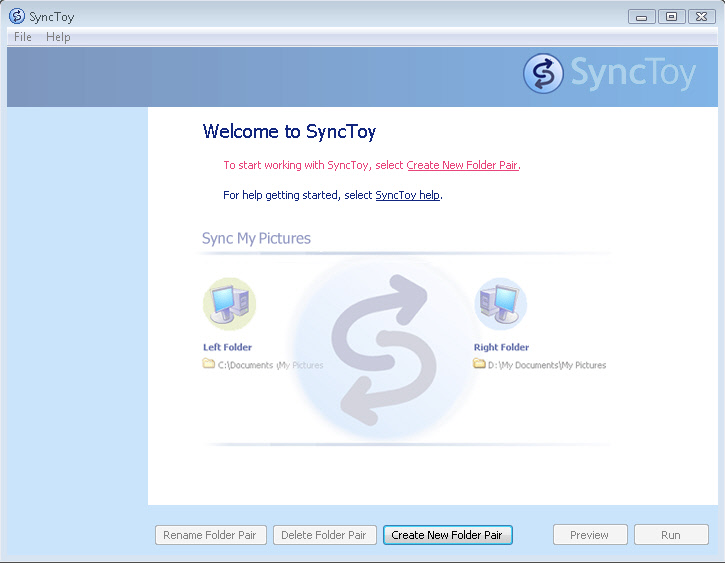
When you run it for the first time, you are asked to create a new folder pair. A folder pair is the set of folders you want to sync.
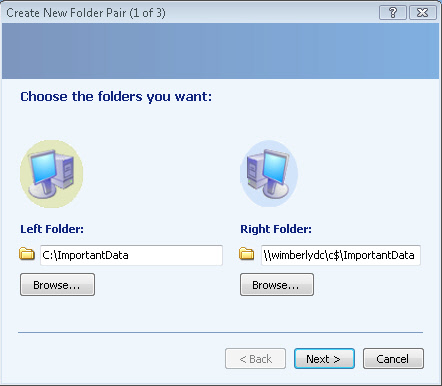
In my case it is a local folder, and a folder on a company file server. If you plan to do a one way copy keep in mind that the folder on your left is your source, and the one on the right is the destination.
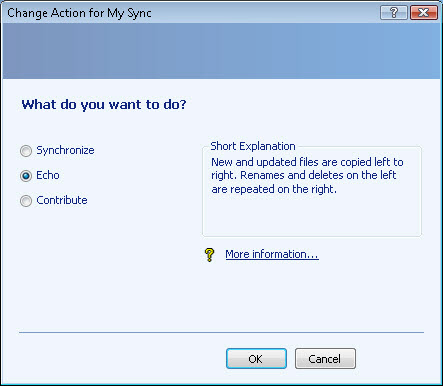
Once you pick your folders, you can decided what to do with them.
SyncToy has these options:
Synchronize – New and updated files are copied both ways. Renames and deletes on either side are repeated on the other.
Echo – New and updated files are copied left to right. Renames and deletes on the left are repeated on the right.
Contribute – New and updated files are copied left to right. Renames on the left are repeated on the right. No deletions.
In my case, I want to have a backup of my code so I use “echo”. It will copy everything from my local drive to the server.
Click next, give it a name, and click finish. Now you have a new sync job waiting to be run:
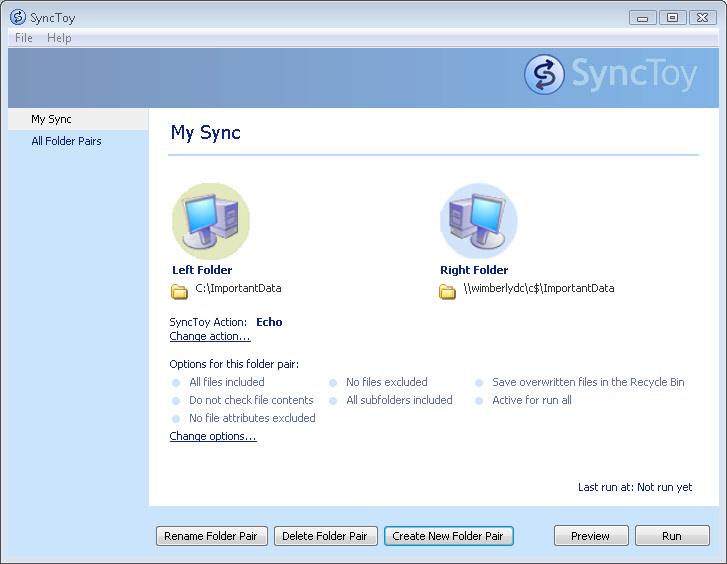
Click run, and the synchronization begins.
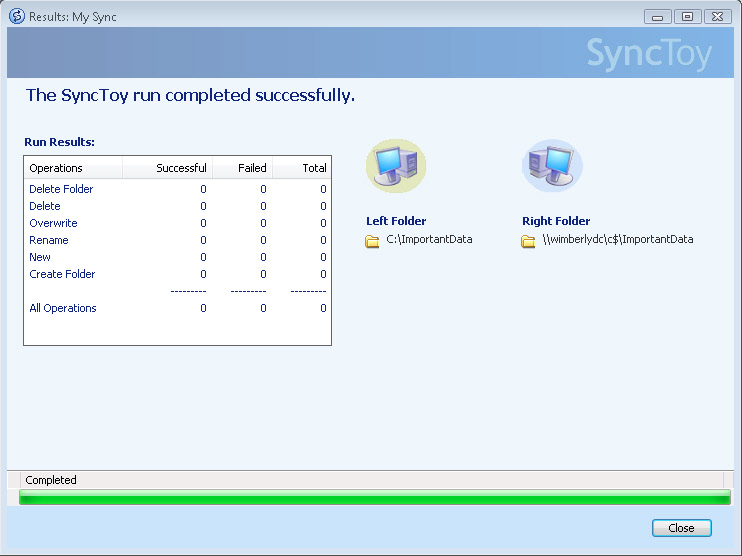
That is all there is too it! A little simpler than remembering to type all of the command line options into robocopy.
Is there a free utility that makes your life easier? Send me an email at support@intelliadmin.com so I can tell everyone else.
And if you missed it before, here is the download link from microsoft to get your free copy of SyncToy:
One more thing…Subscribe to my newsletter and get 11 free network administrator tools, plus a 30 page user guide so you can get the most out of them. Click Here to get your free tools
{ 3 comments… read them below or add one }
I love this toy, we use it on all our laptops because it is free. Just a note, if you want to schedule SyncToy to update on a regular schedule, check the help.
There are issues when using SyncToy 2.0 with a Home NAS and there was a problem corrupting JPEGs. That’s why I’m using Unison File Synchronizer.
At the moment I prefer FreeFileSync, but it doesn’t work with 2008 server scheduling.