
Hello All,
A quick post to let you know that we have released Remote Control 4.4.
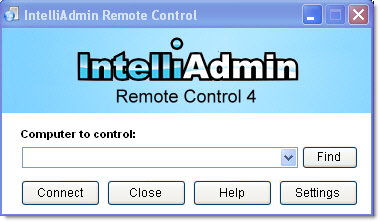
This is a bug-fix release. We made sure we cleared through all of the issues raised by current customers before moving forward with anything new.
Here is what we fixed:
-Shutdown under Vista/Windows7/2008 does not disconnect the remote client (Fixed)
-Windows 2000 machines with NVidia cards show strange graphics when connecting (Fixed)
-ALT key gets stuck when pressing CTRL-ALT-DEL while a client window is open (Fixed)
-Client crashes on reconnect attempts under Windows XP SP2 (Fixed)
-Intermittent Connection issues with Windows 2000 (Fixed)
-CTRL-SHIFT-ESC not sent from client to agent (Fixed)
-Crash when clicking the find button under Windows XP SP2, while a reconnect in progress (Fixed)
-ALT, CTRL, or Windows keys get stuck at intermittent times. (Fixed)
The key sticking issue was a big one, and we apologize to any of you who have experienced it. The issue has been resolved – you just need to update the client to fix it.
You can download the latest version from here:
http://www.intelliadmin.com/setupex.exe
Make sure the client is closed when you install. When you are finished, you can check the build number by clicking on settings and then moving over to the about tab:
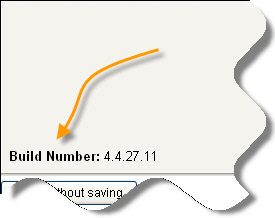
Note that if you have the trial version it will be 4.4.27.10
Current customers may get the latest version by simply visiting the same download link that was sent in the license email. If you do have trouble finding it, simply send us an email and we will take care of you asap.
One more thing…Subscribe to my newsletter and get 11 free network administrator tools, plus a 30 page user guide so you can get the most out of them. Click Here to get your free tools