
Last week I wrote about a free tool from Microsoft for synchronizing files. I asked you if you had any tools that made your life easier – my inbox was filled with suggestions.
One of the free tools that really caught my eye was Microsoft Network Monitor. I have been using Ethereal for a long time. It too is a great tool for monitoring network traffic.
Microsoft network Monitor 3.3 gives it a run for its money. Some quick points that make me like it:
It identifies processes that are generating the traffic:
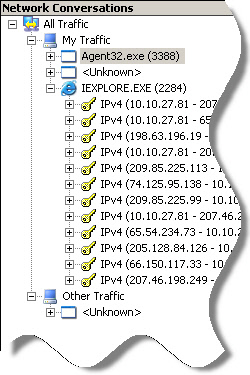
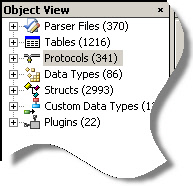
It includes a ton of parsers that can pull out common protocols like HTTP, SMB, FTP, etc. These make it much easier to read what you are looking it:
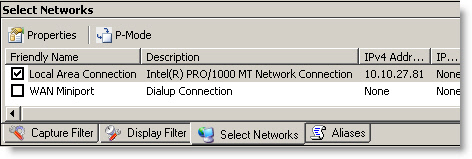
Easy selection of network cards to monitor:
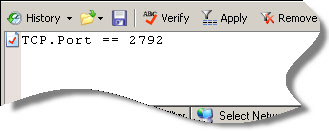
It has an extensive filtering system to weed out packets you are not interested in:
In addition, it has many command line options to automate it without any interaction.
Check it out at:
One more thing…Subscribe to my newsletter and get 11 free network administrator tools, plus a 30 page user guide so you can get the most out of them. Click Here to get your free tools